Rigsmith
A downloadable tool for Windows, macOS, and Linux
Rigsmith is my attempt to simplify the 3D mesh animation flow
It supports loading/exporting .gltf files only currently.
How to start
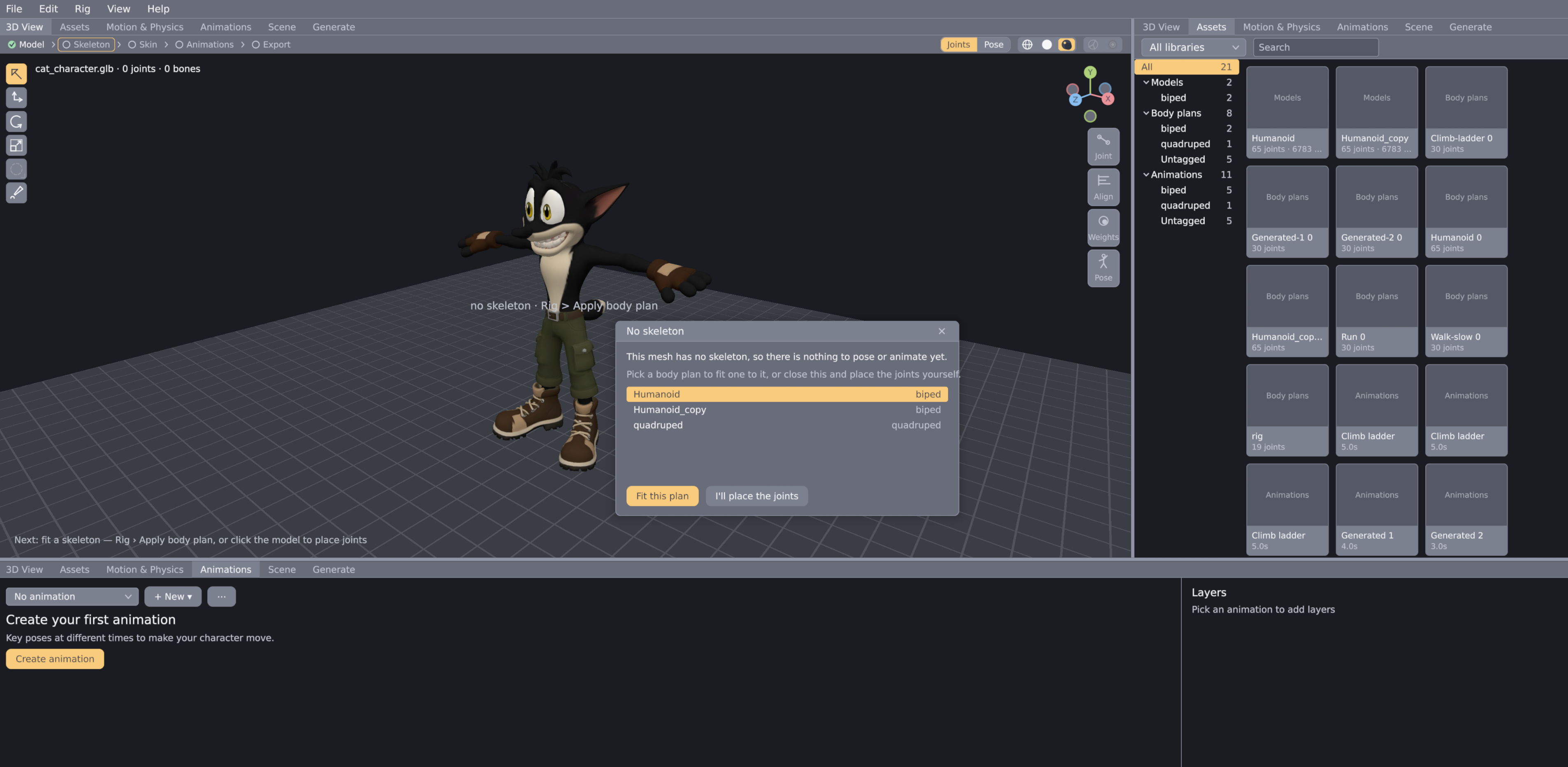
You start by importing your glb file to the scene (you can also import multiple .glb files).
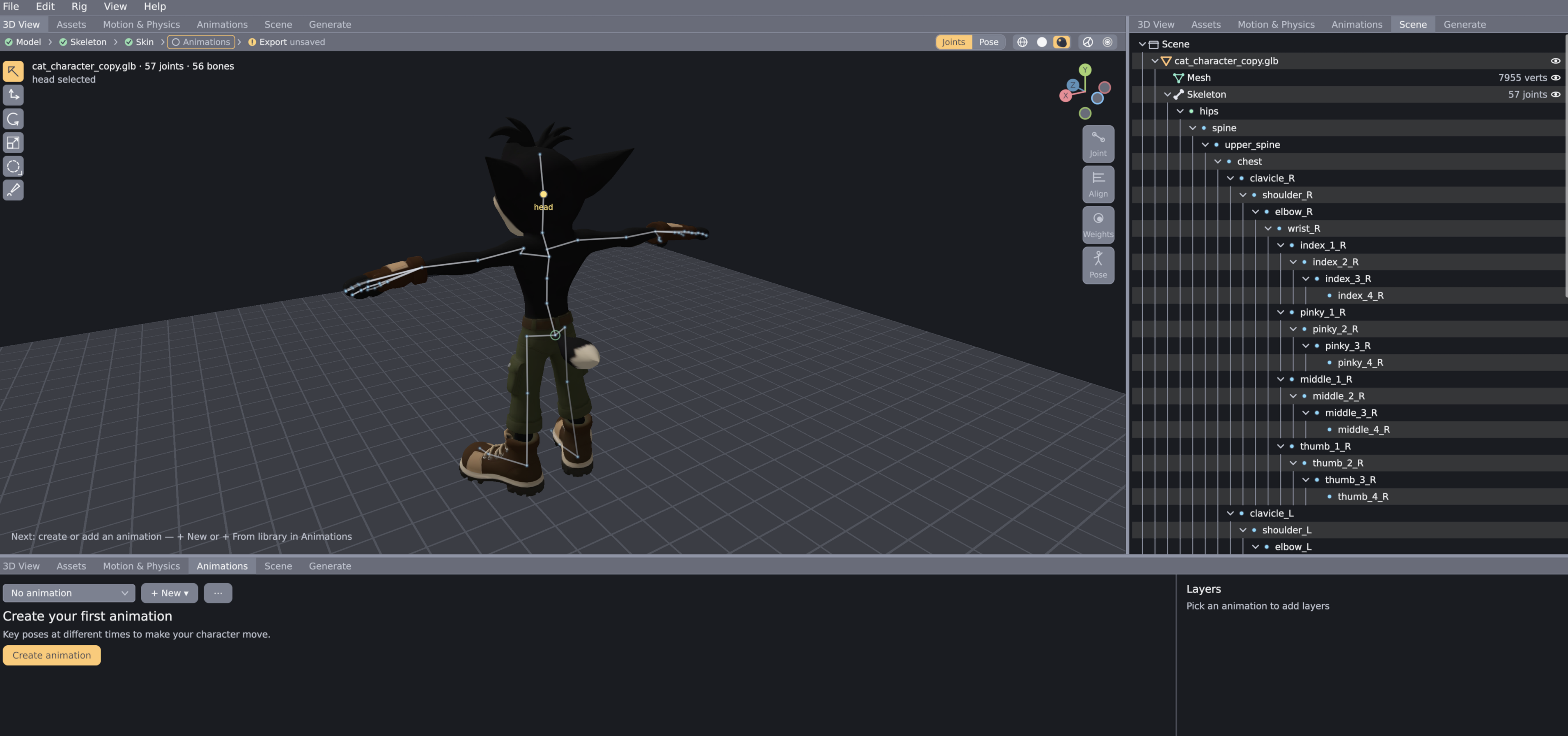
Then you can create the rig, by just clicking on the mesh and connecting dots, or you can apply pre-made rig templates and adjust them to your mesh.
Remember to name the joints and use M key to mirror the joints, so you don't need to adjust both arms, legs ..etc.
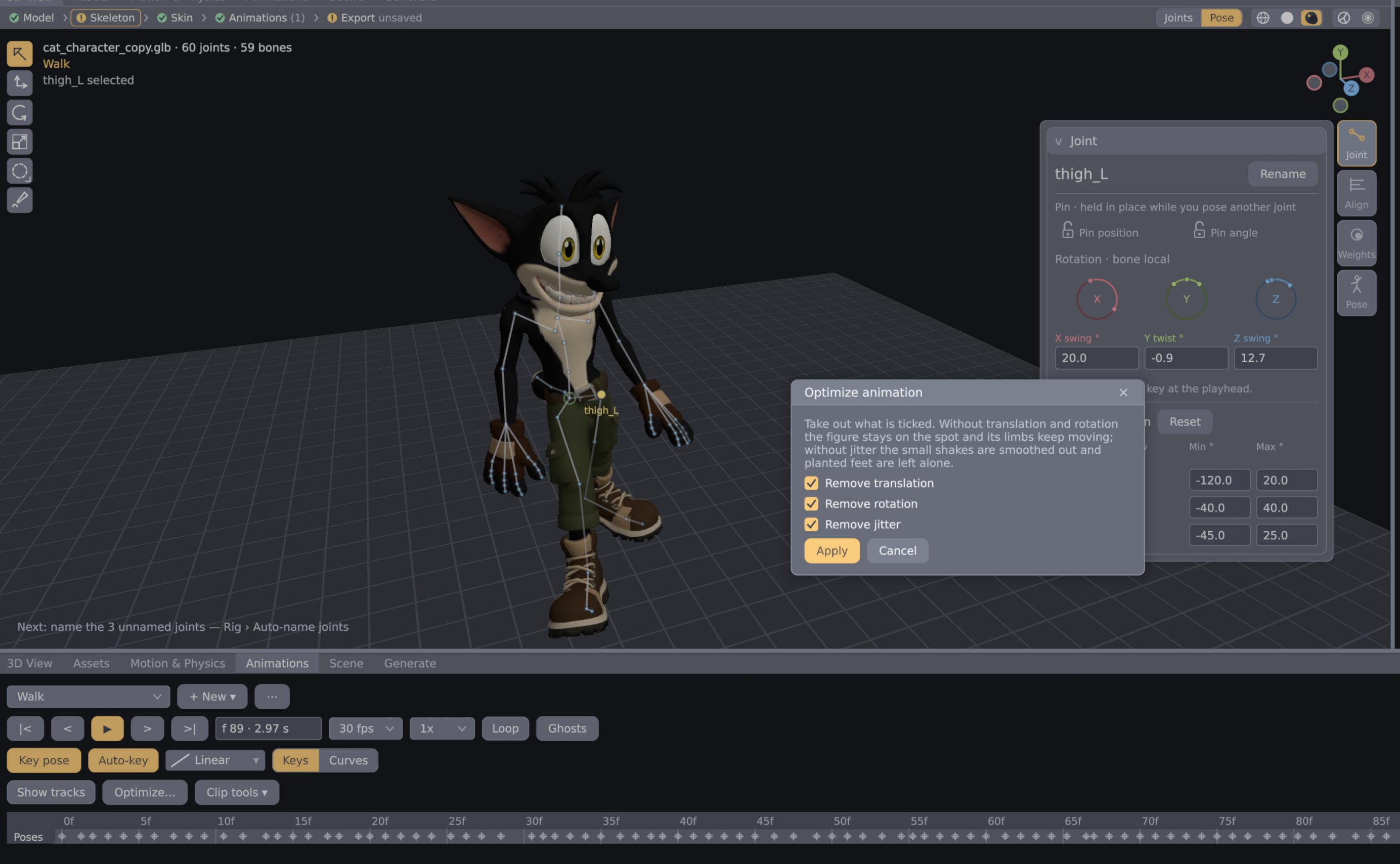
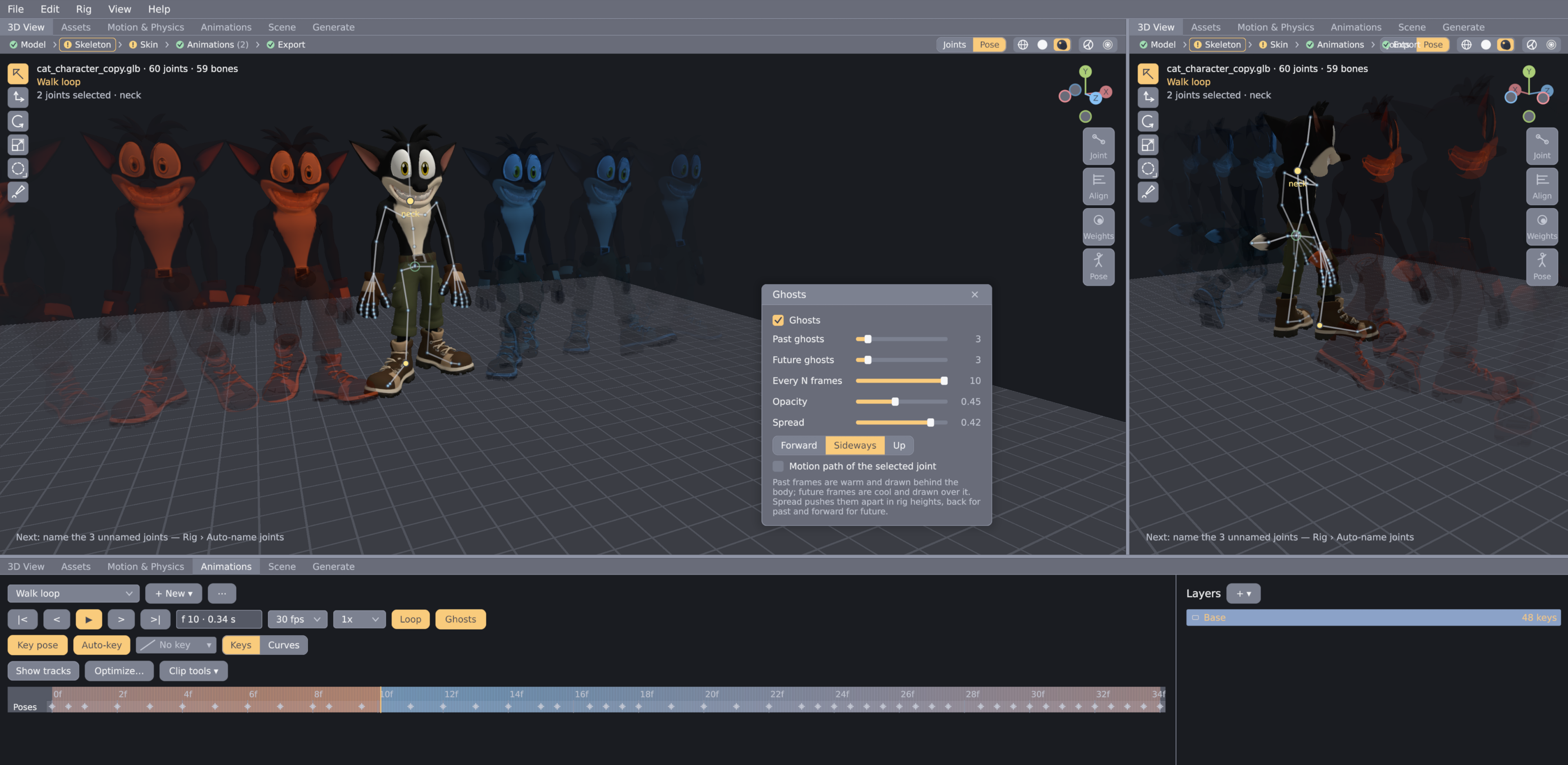
After rigging is done, you can select pose mode and create your first animation from animate panel.
Just drag the joints around and move the animation player time needle forward, Rigsmith will automatically save the keys to the animation.
You can also use Rigsmith Mixamo style, for that add .glb animation packs to your Rigsmith configured assets folder, and Rigsmith will let you easily assign these animations to new characters/meshes.
To get more info, press help on top navigation bar in Rigsmith and check the tutorial or Hotkey controls.
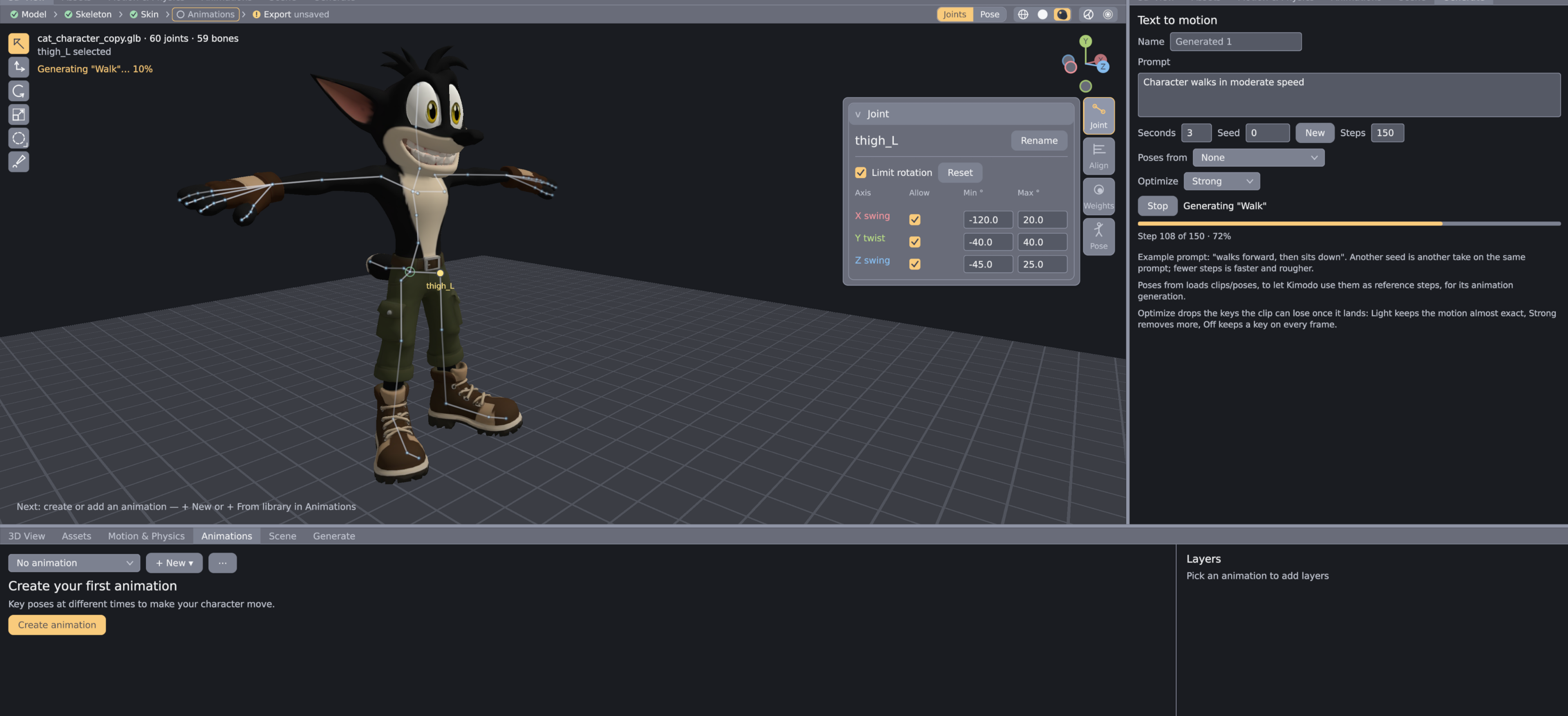
Rigsmith also supports Kimodo Text to Motion AI model out of box, you need to download the models yourself.
More info how to set-it up here
Download
Leave a comment
Log in with itch.io to leave a comment.